
Your music collection, playable everywhere.
papagaYO is a music server you run at home, plus apps for your phone, computer and TV. It organizes the files you already own and adds live radio, mixes and a listening history that stays on your server.
Free. Runs on Windows, macOS, Linux, Docker or Proxmox.

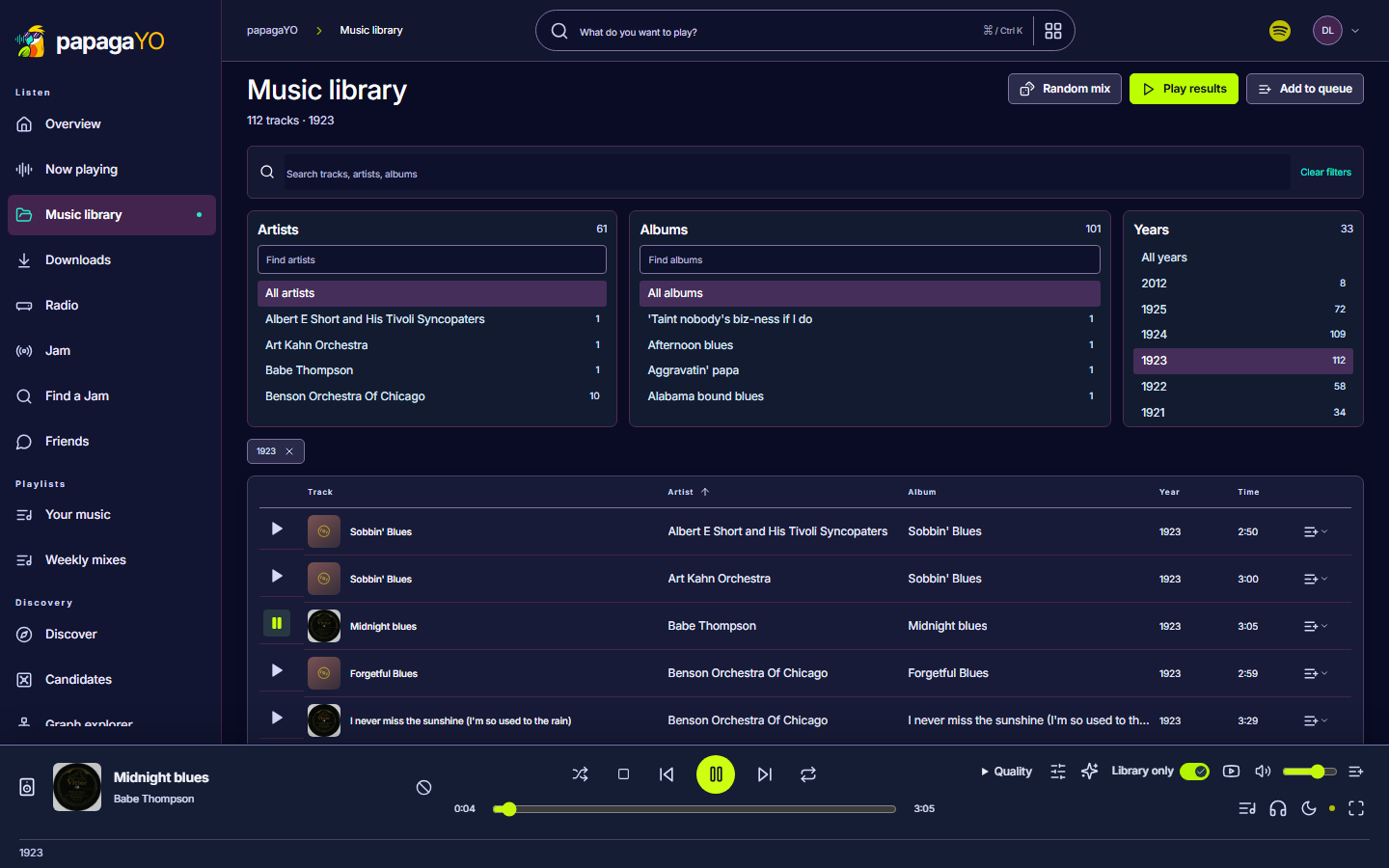
A library you can actually browse
Point papagaYO at a folder of music, or at an existing Jellyfin or Navidrome server. It reads the tags and cover art, then lets you narrow everything down by artist, album and year.
- FLAC, MP3, AAC, Opus, Ogg and more, played as they are
- Converted on the fly for devices that need it
- Separate accounts, playlists and history for everyone at home
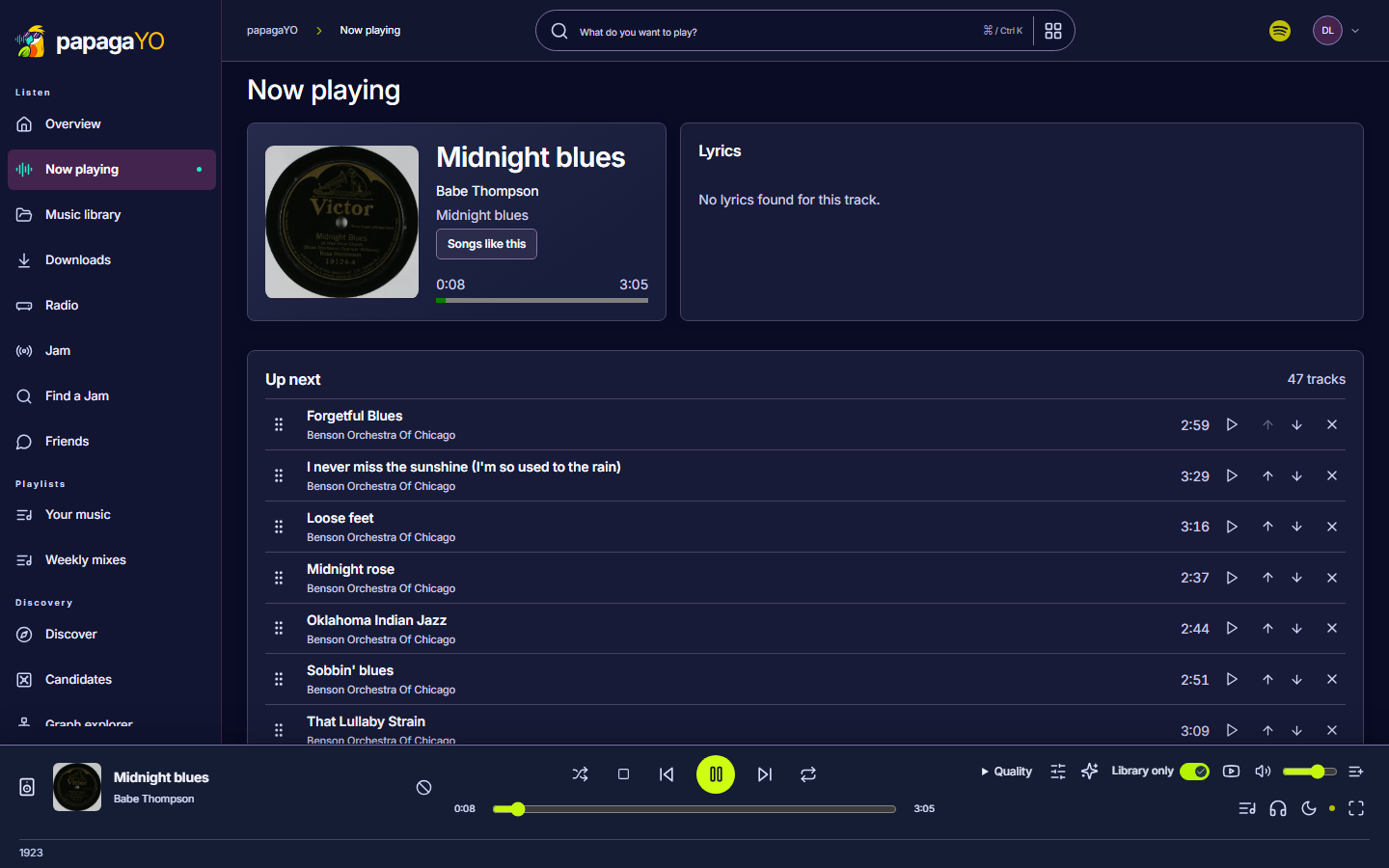
Pick up where you left off
Start an album on your computer and carry on from your phone or TV. The Android app keeps playing with the screen off and can download albums and playlists for offline listening.
- Lock-screen, Bluetooth and media-key controls
- Sign in on a TV by scanning a code with your phone
- Listen together with Jam, and send songs to friends
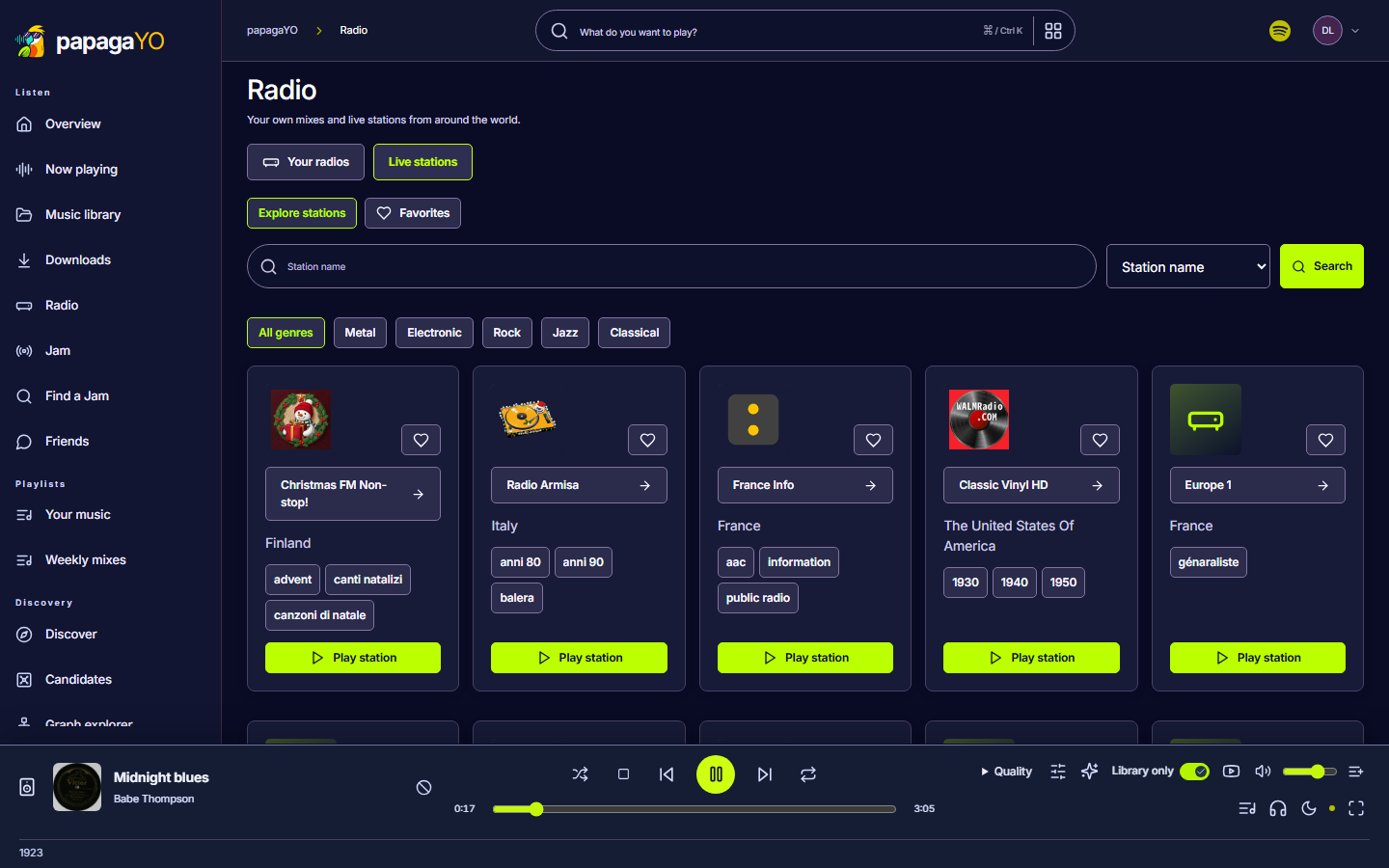
Radio, live and your own
Search thousands of internet radio stations by name, genre or country, with song titles as they play. Or start an endless radio from any artist or song in your library.
- Weekly mixes built from what you actually play
- Import your Spotify listening history
- Statistics by artist, year and era
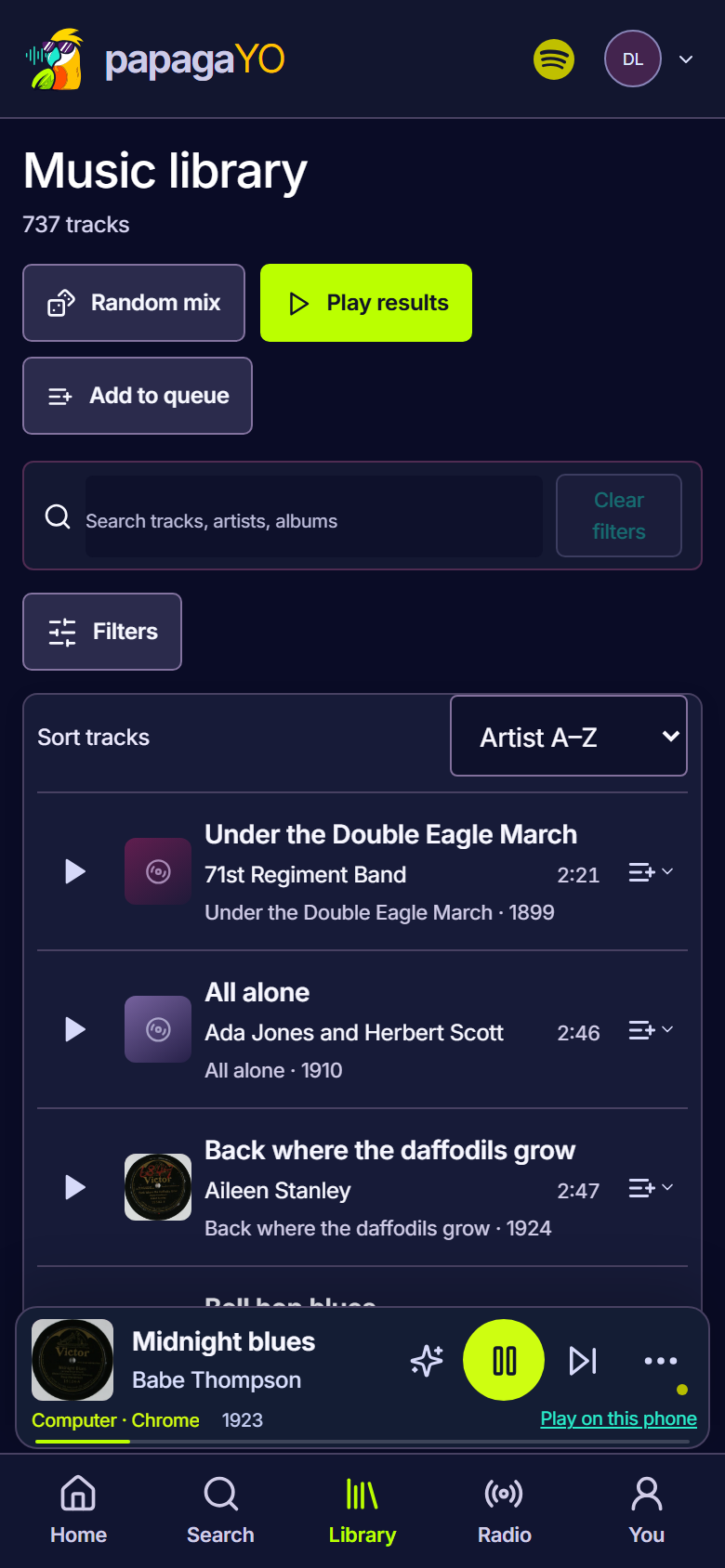
Where it runs
Every app connects to any papagaYO server: yours, a friend's or the public demo.
| Platform | Status | Notes |
|---|---|---|
| Web | Available | Built into every server. Any modern browser. |
| Android | Available | Android 8 and newer. Offline downloads. |
| Android TV | Beta | Same download as the phone app. |
| Windows | Beta | Windows 10 and 11, 64-bit. |
| iPhone | In testing | TestFlight first. |
| macOS, Linux | In testing | Use the web player until then. |
| Roku | In testing | Waiting on the Roku Channel Store. |
Setting it up
Install the server
On the computer, NAS or home server that holds your music.
Choose your music
A folder of files, or a Jellyfin or Navidrome library you already run.
Sign in from your apps
Enter your server's address in the app. Add accounts for family and friends.
Hear it first
The public demo server has a library of public-domain recordings from 1899 to 1925 and live radio. Sign in from the browser or any papagaYO app.